

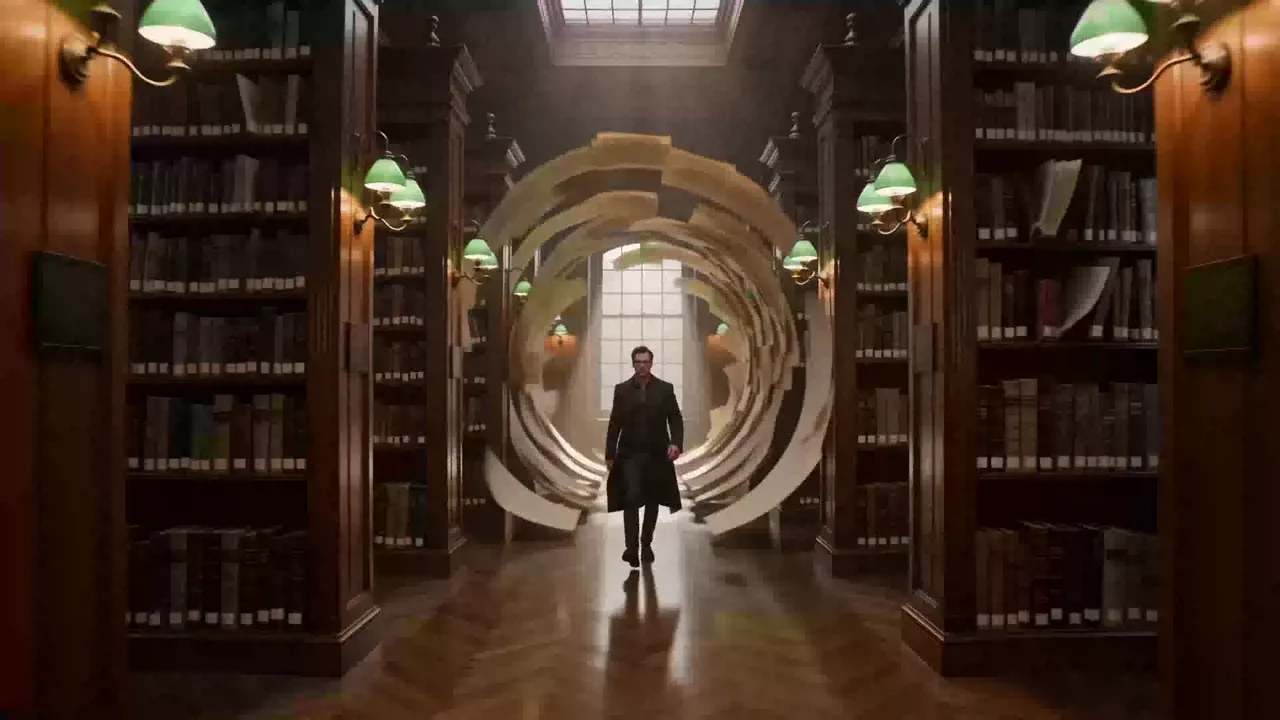
Pavo AI turns a sentence into a scene.
Write the shot, keep your characters consistent, and render it in minutes. No crew, no studio, no timeline. Start free with the Pavo AI video generator.
From the queue
Recent scenes, with the prompts that made them
Six video examples selected from the Meigen prompt gallery. Explore different genres and open any scene to take a closer look.
A video studio that fits in a prompt box.
Pavo AI is an AI video generator and image & video maker for short-form stories. Start with a line of script or a single still. Add a camera move, a cast, a location. Pavo AI renders the shot, then lets you fix one detail without rebuilding the whole frame.
It is built for the way short drama and social video actually get made: fast, vertical, and character-driven. The same face can walk through twelve scenes. The same product can carry five hooks. The same idea can go from a note on your phone to a finished clip before the trend moves on.

Who it's for
Made for stories that ship daily.
Four ways creators use Pavo AI right now. Pick the workflow that matches the next thing you have to post.
Pick your workflow
Four ways creators use Pavo AI right now. Pick the workflow that matches the next thing you have to post.
The workflow
A Pavo AI tutorial: from a sentence to a shot list in three moves
No timeline wrestling. No render farm. Just the next decision. Pavo AI keeps the cast, the camera, and the cut in one place.
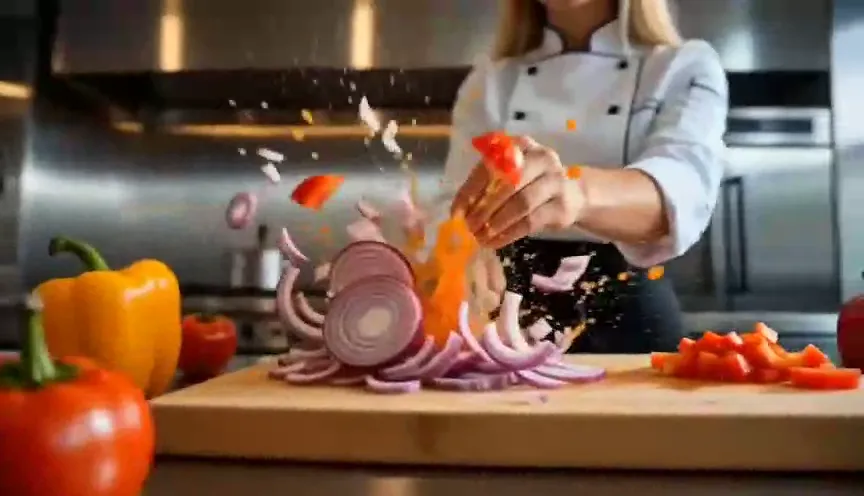
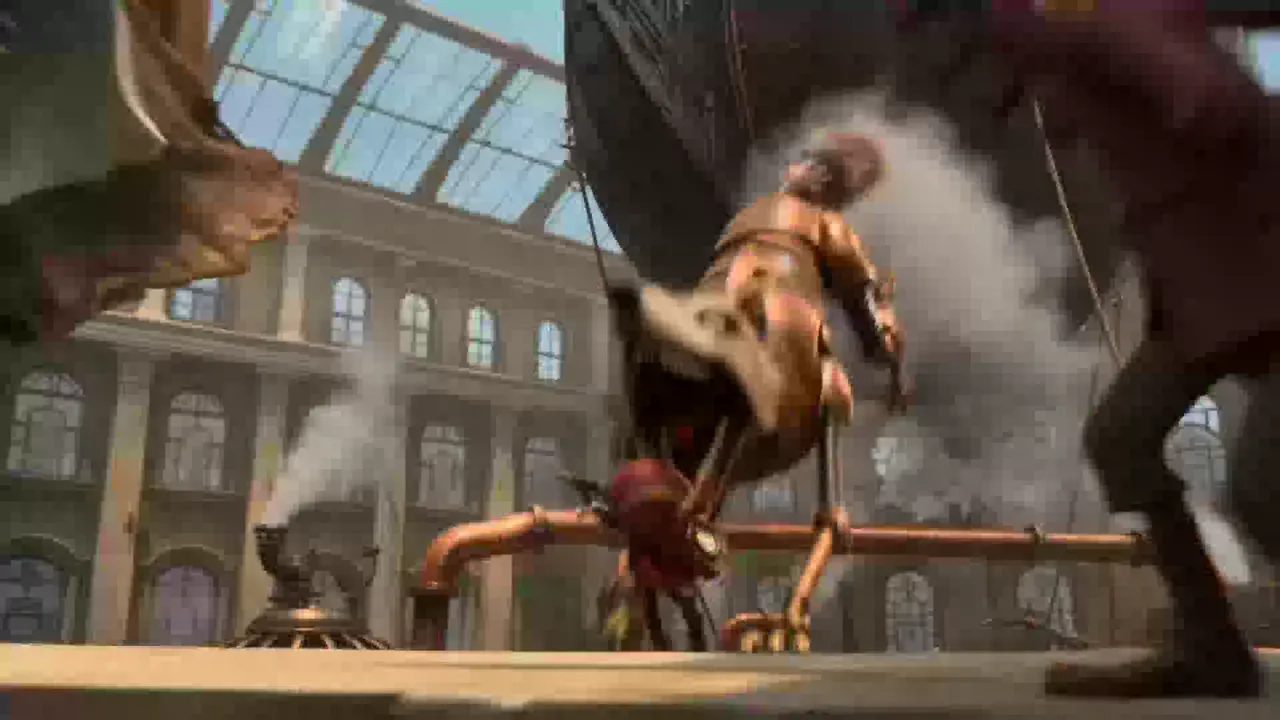
One line is enough. Add a reference image if you have one. Pavo AI reads mood, camera, and action, then shows you the shot before it renders.
Consistency, by the numbers
The scene holds together.
Pavo AI treats your cast as assets, not prompts. The same face can carry a whole episode, and the same product can survive five different hooks.
Shots per scene
Face, start to finish
Re-casts, re-shoots, re-dos
The toolkit
Every shot has a lever. Pull the right one.
Six controls for the gap between a good idea and a usable frame.
Built for the cut, not the demo.
A quick look at what changes when the shot has to work inside a story, not just look good on its own.
| What matters on set | Pavo AI | Typical AI video tool |
|---|---|---|
| Start from a script or a still | Both | Usually one or the other |
| Character consistency | @Assets + first and last frame | Prompt-only, drifts between shots |
| Short drama workflow | Shot lists and scene order | One clip at a time |
| Fix a detail | Region redraw, no re-render | Regenerate the whole frame |
FAQ
Questions, answered on set.
What is Pavo AI?
Pavo AI is an AI video generator and image & video maker for short drama, social clips, and ads. You can start from a sentence, a still image, or a first and last frame. Pavo AI renders the shot, keeps your cast consistent with @Assets, and lets you edit details without re-rendering the whole scene.
Is Pavo AI free?
Yes. The Pavo AI free plan includes starter credits and 720p exports, and you do not need a card to begin. Paid plans add 1080p and 4K exports, watermark-free downloads, more credits, and a priority render queue.
How do I sign up for Pavo AI or log in?
Create a Pavo AI account with your email or Google account at pavoai.app. After that, log in at pavoai.app, or use the same account in the Pavo AI app on iOS and Android. One account covers credits, history, and saved assets across devices.
Is there a Pavo AI app?
Yes. The Pavo AI app is available for iOS and Android, and the web app runs at pavoai.app. Projects, credits, and @Assets sync across all three, so you can start on your phone and finish on a laptop.
What is Pavo AI Work?
Pavo AI Work is the browser version of Pavo AI. Open pavoai.app to generate, manage your account, and download exports without installing the mobile app. The main site is pavoai.app.
Is Pavo AI the same as PavoAI, Pavo.ai, or Pavo-ai?
Yes. Pavo AI, PavoAI, Pavo.ai, and Pavo-ai all refer to the same product. The official Pavo AI website is pavoai.app. If a page asks for your password, check the domain before you type.
Why does it say the Pavo AI platform is always busy?
Pavo AI runs a shared render queue, and demand spikes when a new template or model goes live. Free accounts wait longer at peak hours. Paid plans get priority. If you see the busy message, try a shorter clip, retry in a few minutes, or switch to an off-peak window.
How do I remove the watermark from a Pavo AI video?
Free exports include a watermark. On Creator and Studio plans, the watermark is removed automatically for every export, including 1080p and 4K. You can also re-export an older project after upgrading. No extra step, no separate purchase.
Can I use Pavo AI videos commercially?
Paid plans include commercial use of the videos you generate. You are responsible for the input images, music, and likeness rights you bring to the tool. Read the terms for the full license, especially for client work and broadcast.
Does Pavo AI have an API?
Yes. API access is available on the Studio plan for teams that generate at volume. Create a Pavo AI account, open Settings, and request an API key. The API uses the same credits and asset library as the web app.
How is Pavo AI different from Runway, Sora, Luma, and Kling?
Pavo AI is built around the cut, not a single clip. It combines a text to video generator, image to video, first and last frame control, and @Assets consistency with a Short Drama Mode that keeps a scene in order. Runway, Sora, Luma, and Kling are strong tools with different strengths. If your work is short drama, social video, or a daily series, Pavo AI is designed for your workflow.
Who owns Pavo AI? Is it Agnes AI?
Pavo AI is built by Agnes AI (Pavo) and operated by Sapiens Technology Pte. Ltd. in Singapore. Agnes AI and Pavo AI are part of the same product line. For company details, see the About page.
Is Pavo AI available in China?
Pavo AI is a global product. The web app is available worldwide, including in China, and the mobile apps are listed in most regions. Payment options can vary by country. If a local store does not show the app, use pavoai.app.
How long does a Pavo AI video take to generate?
A 3 to 5 second shot usually takes tens of seconds to a few minutes, depending on the queue, resolution, and length. Shorter clips at 720p finish first. Paid plans move ahead of free accounts in the queue.
Can I make a longer scene or a series?
Yes. Generate the scene shot by shot, then assemble the cuts in your editor. Short Drama Mode keeps the cast and the shot order consistent, so episode two starts with the same faces as episode one.
Choose how you create with Pavo AI
Compare subscriptions and one-time credit packs. These are the same plans and prices available on our pricing page.
Secure payments
We support Korean cards, Kakao Pay, Samsung Pay, and Naver Pay, plus global payment methods including Visa, Mastercard, Amex, JCB, Apple Pay, and Google Pay.
Korean payments



Global payments










Stripe secure payments · SSL encryption · PCI DSS compliant · 256-bit encryption
Payment inquiries: support@pavoai.app
Your next scene is one sentence away.
Start with the line you already have. Pavo AI will take it from there.